gFractor
A powerful and flexible spectrum
analyzer for modern audio production.
Mid/Side · Left/Right · Transient/Tone
Multiple analysis modes in one view.
Component monitoring
Isolate and track signal components.
Sidechain comparison
Compare main and reference signals.
Goniometer & correlation
Phase and stereo field visualization.
Oscilloscope
Real-time waveform visualization.
VST3 · AU
Native plugin formats for your DAW.
Completely free
No trial limits or watermarks.
Introduction
See it in action
What makes it different
Tools that think like musicians
From sound design to mixing and mastering — gFractor gives you precise visual feedback and deep insight into your audio at every stage of the workflow.
Three modes.
Every perspective.
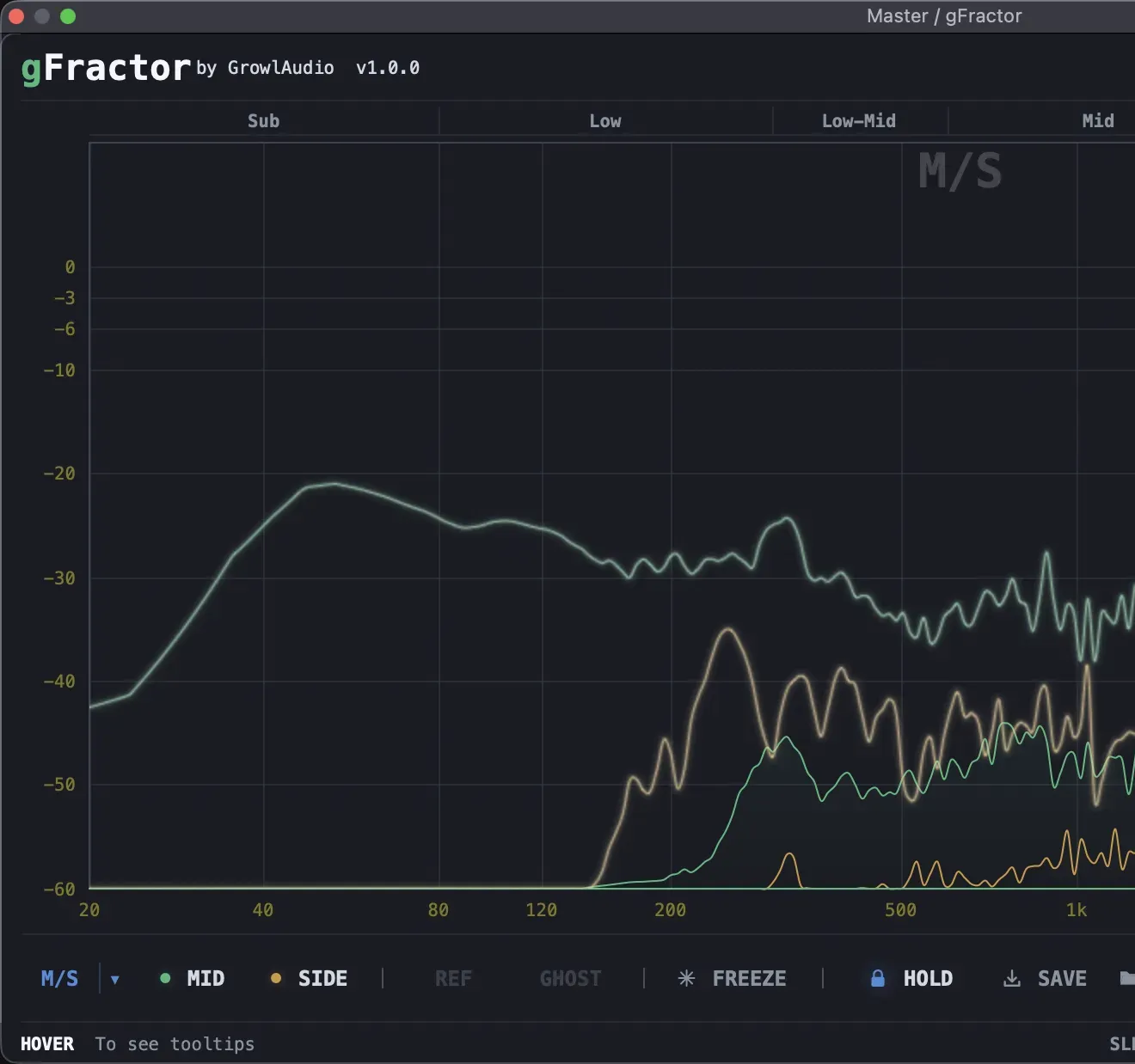
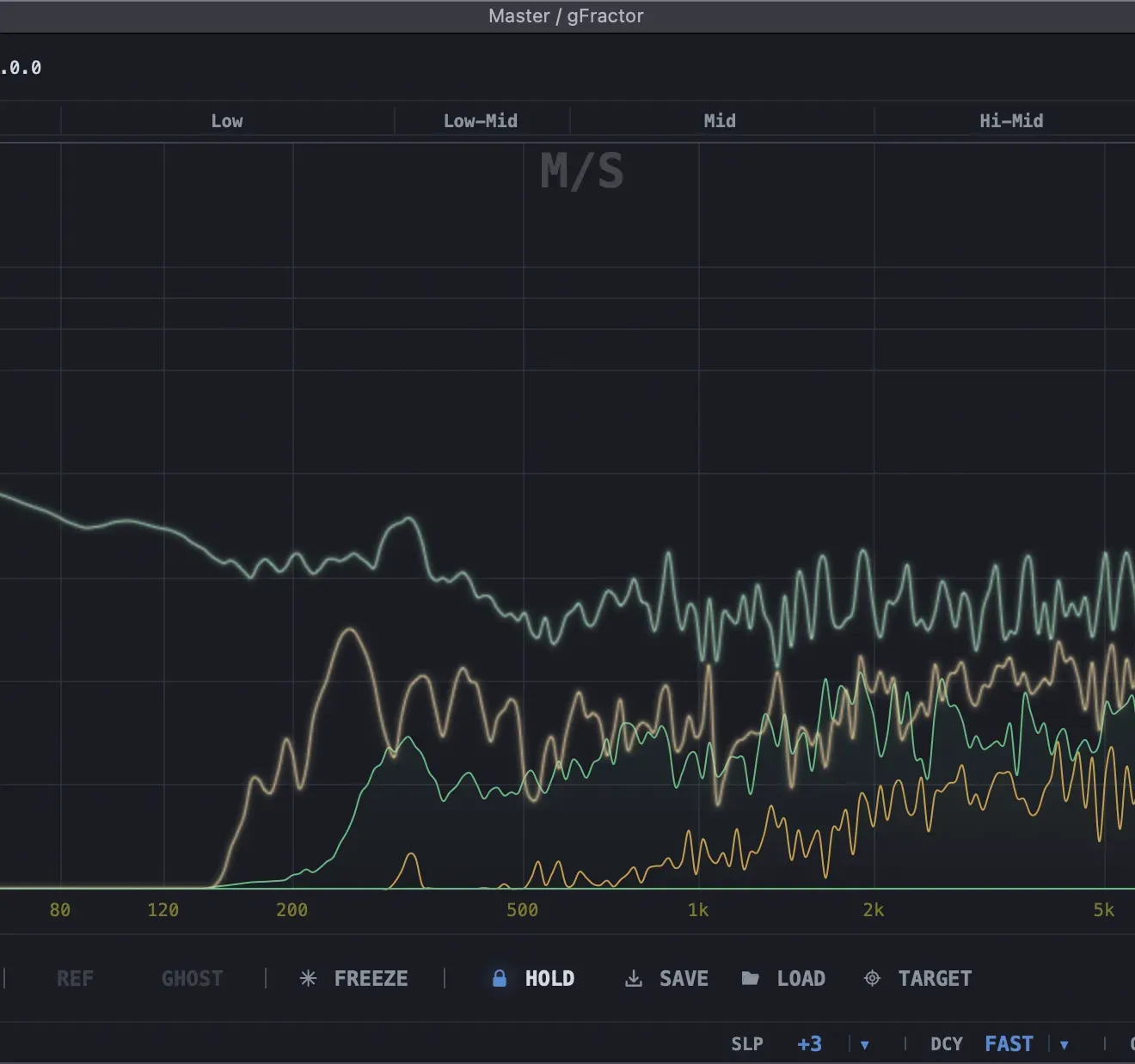
Switch between Mid/Side, Left/Right, and Transient/Tone analysis to explore your signal from any angle. Monitor individual components — isolate transients from tonal content, or hear the mid and side channels in complete separation.
Main and sidechain,
side by side
Visually compare your main signal against a sidechain reference — instantly revealing spectral relationships between tracks. Swap main and sidechain with a single key press for rapid A/B analysis without breaking your flow.
Your stereo field,
fully mapped.
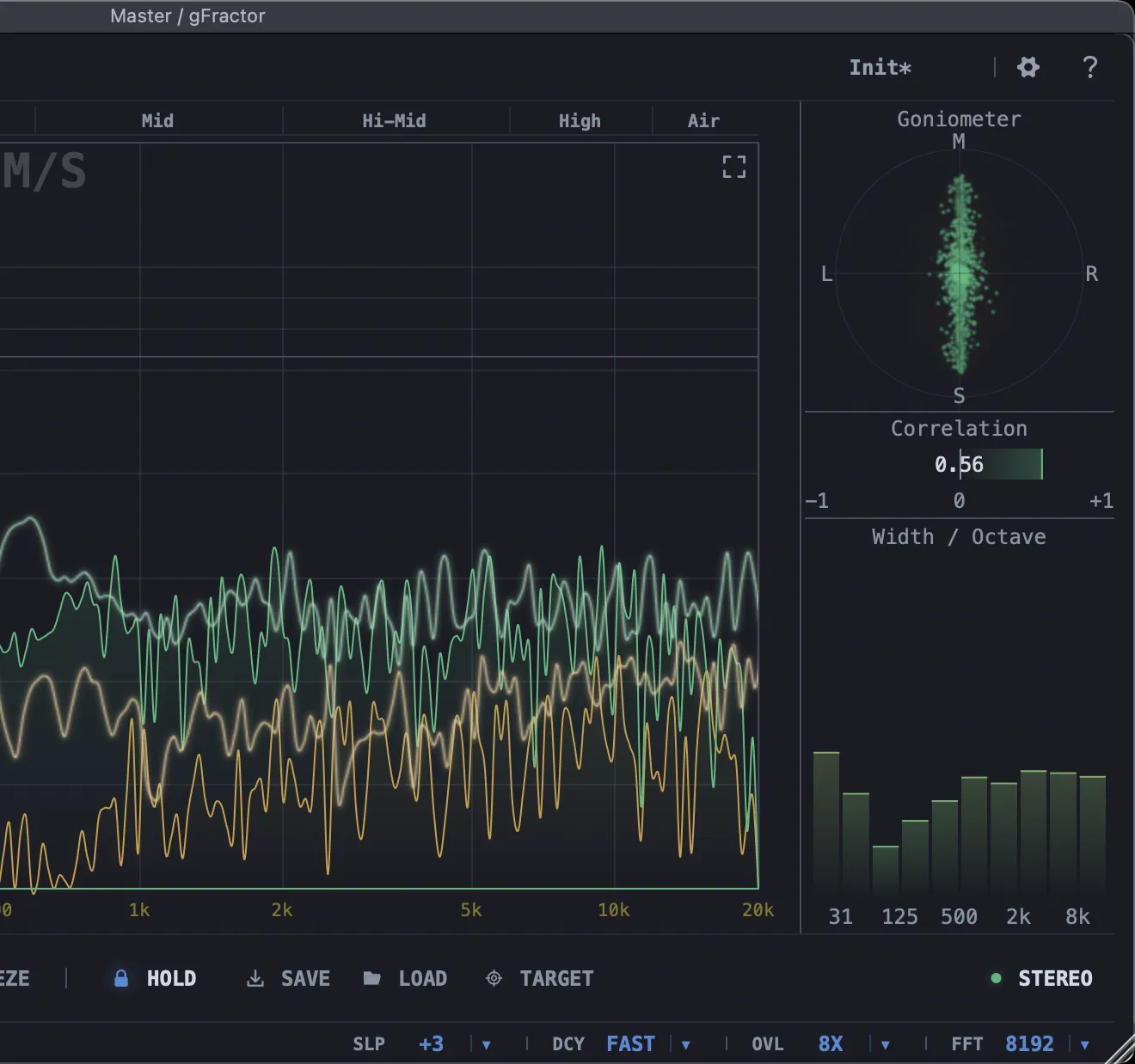
Comprehensive stereo visualization in one place: a goniometer for phase and imaging, a correlation meter for mono compatibility, and stereo width broken down per octave — so you know exactly where your width is coming from and where it isn't.
Save a target.
Match it later.
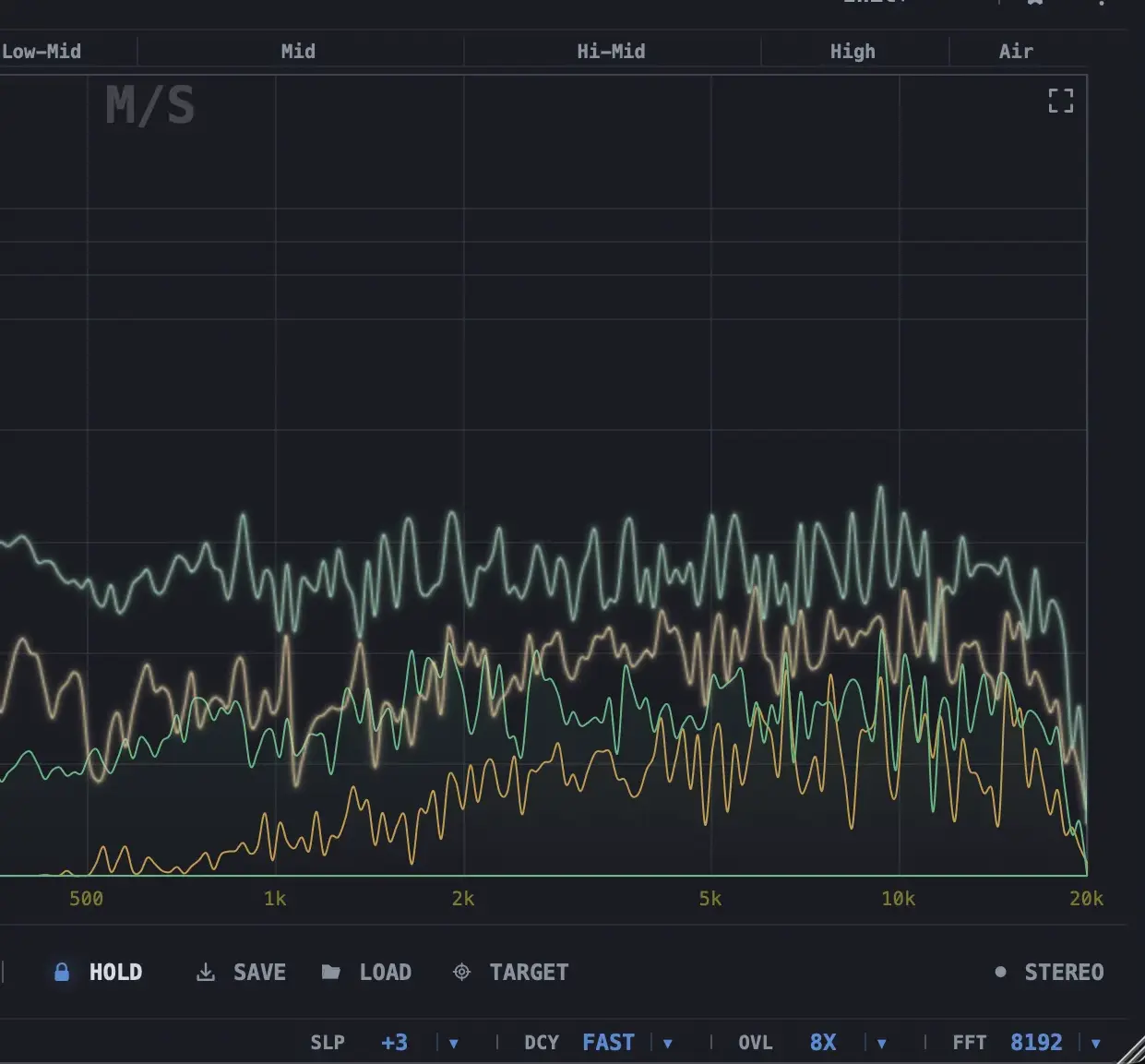
Capture any Peak Hold curve as a reusable target and save it to a file. Load it back in any session to compare against your current track — perfect for matching tonal balance across mixes or checking a master against a reference.
Available now
Free. No compromises.
No demo mode. No watermark. No 30-day trial. Professional-grade tools should be in everyone's hands.